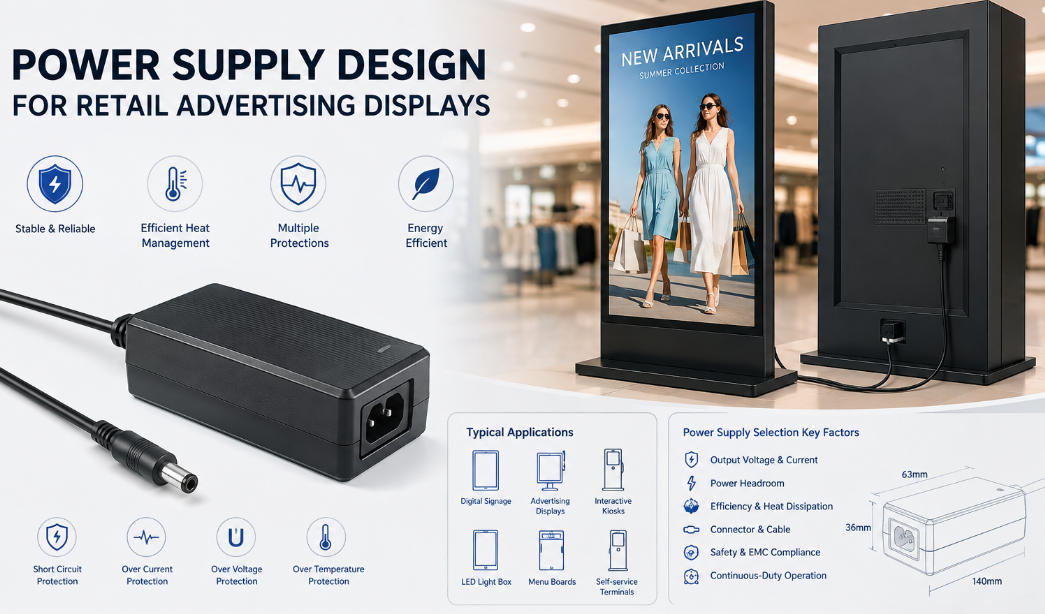
When people ask how many watts charger do I need, the real answer is not a single number. It depends on the device, how fast you want it to charge, and whether you are charging one device or several at the same time.
The good news is that choosing the right charger does not need to be complicated. Once you understand a few basics, a charger wattage guide becomes much easier to follow. In most cases, you are not trying to find the “perfect” charger. You are trying to find a charger that is powerful enough, safe, and compatible with your device.
A charger with higher wattage is usually not a problem for modern devices, because the device only draws the power it needs. The bigger risk is using a charger that is too weak, which can lead to slow charging, unstable charging, or a laptop battery that barely keeps up while in use.
What Charger Wattage Actually Means
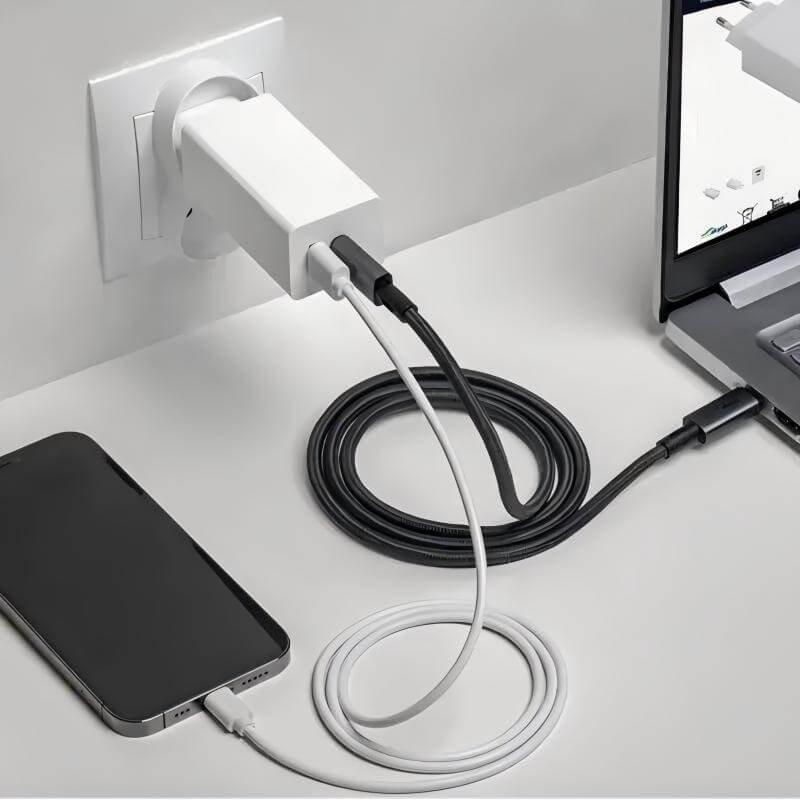
Wattage is the amount of power a charger can supply. In simple terms, it tells you how much energy the charger can deliver to your device at one time.
A phone may only need 20W, while a tablet may need 30W or 45W. Many ultrabooks and MacBook-style laptops need 65W, and larger laptops can require 100W or more. That is why the question of how many watts charger do I need always starts with the device itself.
A useful rule is this: the charger should meet or exceed the device’s recommended wattage. If the charger is rated higher, that is usually fine, as long as the voltage and charging standard are compatible.
Why the Right Wattage Matters
Using the wrong charger can affect more than charging speed.
If the wattage is too low, the device may charge slowly, stop charging during heavy use, or cycle between charging and discharging. That is especially common with laptops. A 45W charger may work for a small laptop, but it may struggle if you are editing video, running multiple apps, or charging from empty.
If the wattage is higher than needed, the device usually negotiates only the power it can handle. That means a 100W charger does not force 100W into a phone. Instead, the phone takes what it supports.
This is why understanding charger wattage is more important than simply buying the biggest number you can find.
How to Figure Out How Many Watts You Need
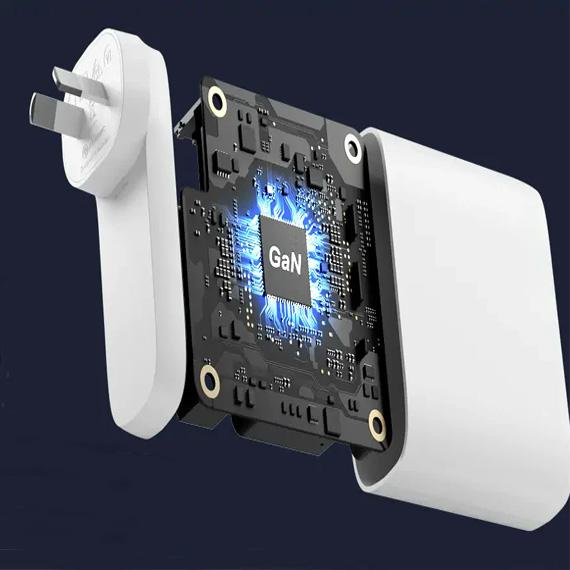
The easiest way is to check the original charger or the device label.
Look for output information such as:
- 5V/3A
- 9V/2.22A
- 20V/3.25A
To calculate wattage, multiply volts by amps. For example, 20V × 3.25A = 65W.
If you are trying to replace a charger, match the original wattage or go a little higher. For most users, that is the safest and simplest approach.
You can also use the device category as a rough guide:
- Phones: usually 18W to 30W
- Tablets: usually 20W to 45W
- Small laptops: usually 45W to 65W
- Standard productivity laptops: usually 65W to 100W
- Powerful laptops and workstations: often 100W or more
65W vs 100W Charger: What Is the Difference?
This is one of the most common comparisons, and for good reason. The 65W vs 100W charger question comes up a lot when people buy a charger for a laptop, tablet, and phone setup.
A 65W charger is often enough for ultrabooks, tablets, and many everyday laptops. It is a strong balance between size, portability, and charging speed. For office work, browsing, meetings, and light creative tasks, 65W is often the sweet spot.
A 100W charger gives you more headroom. It is a better fit for larger laptops, power-hungry devices, and multi-device charging setups. It is also helpful if you want one charger that can handle a laptop now and still remain useful if you upgrade later.
The practical difference is this:
- Choose 65W if you need a compact, efficient charger for a thin laptop or mixed mobile devices.
- Choose 100W if you want faster charging, more flexibility, or support for demanding laptops.
For many users, 100W is not “better” in every situation. It is just more capable. If your device only needs 65W, a 100W charger will not usually charge it faster unless the device supports higher input power.
Charger Wattage Guide by Device Type
A simple charger wattage guide can save a lot of guesswork.
For smartphones, 20W to 30W is enough for most modern fast-charging phones. Some phones can accept more, but the gain is often smaller than people expect.
For tablets, 30W to 45W is a safe range. Some high-end tablets can benefit from more, especially if they also support keyboard accessories or multitasking while charging.
For earbuds, smartwatches, and small accessories, low wattage is usually enough. The charging standard matters more than raw wattage here.
For lightweight laptops and 2-in-1 devices, 45W to 65W covers many models. If you are unsure, 65W is often the best starting point.
For business laptops, gaming laptops, and creator machines, 65W to 100W or more may be required. These devices often need more power because they draw more energy during performance-heavy tasks.
For charging multiple devices from one adapter, choose a charger with enough total wattage to share intelligently across ports. In this case, the printed wattage matters, but port distribution matters just as much.
Should You Buy the Highest Wattage Charger Available?
Not necessarily. More wattage is useful only when your device can use it.
A phone that supports 25W fast charging will not magically become faster with a 140W charger. It will still charge at the limit the phone allows. In that case, paying extra for much higher wattage may not bring much value.
That said, buying a charger with some extra headroom can still be smart. A slightly higher-wattage charger may run cooler, handle multiple ports better, and remain useful if you change devices later.
The best choice is usually a charger that gives you a comfortable buffer above your current needs without being oversized for no reason.
Why Voltage and Protocol Matter Too
Wattage is important, but it is not the only thing that matters.
Two chargers can both say 65W and still perform differently if they use different charging protocols or voltage profiles. USB-C Power Delivery is common across modern laptops, tablets, and phones, but the device and charger still need to support the same standard for the fastest and safest charging.
That is why you should not choose a charger based on wattage alone. Check:
- output voltage and current
- supported charging protocol
- number of ports
- whether the charger is meant for phones, tablets, or laptops
This matters especially when people compare laptop chargers or choose an adapter for a multi-device desk setup.
One Charger for Everything: What to Look For
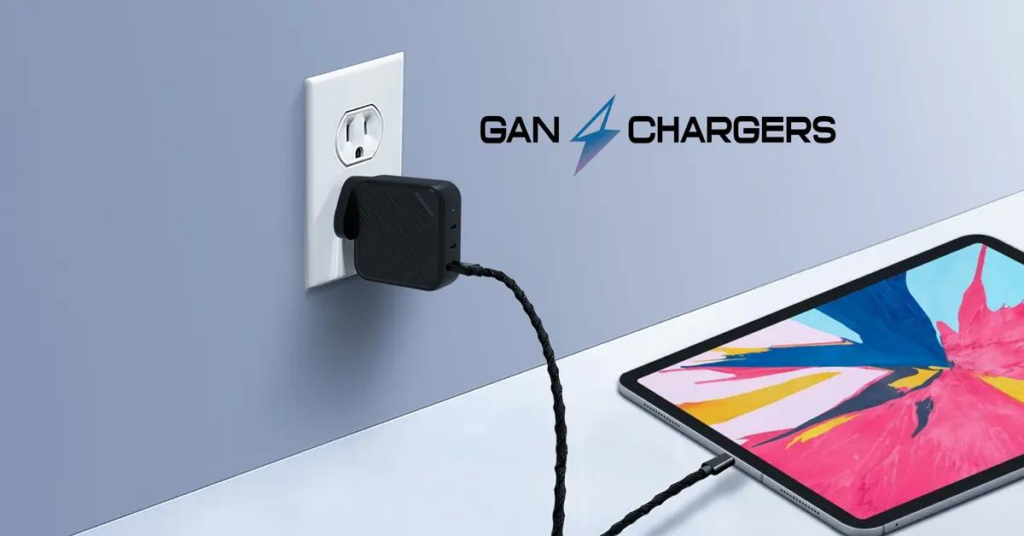
A lot of users want one charger for a laptop, phone, tablet, and accessories. That can work well, but only if the charger is designed for it.
For a single-device setup, a simple charger is fine. For a travel or office setup, a multi-port charger with enough total wattage is often better. A 65W multi-port charger can be excellent for a laptop plus phone. A 100W model is better if you want to charge several devices at once without sacrificing performance.
The key is to think about your real daily use:
Do you charge only one device at a time?
Do you charge while working?
Do you travel often?
Do you need a compact charger or a desktop-style charger with multiple outputs?
Your answers matter more than the biggest number on the box.
Common Mistakes People Make When Choosing a Charger
One common mistake is assuming every fast charger works the same way. A charger can be powerful but still not ideal if it does not support the right voltage or protocol.
Another mistake is buying too little wattage for a laptop. That often leads to frustration, especially when the laptop only barely charges during use.
A third mistake is choosing a high-wattage charger without checking port sharing. A charger may say 100W total, but when two or three devices are connected, the power may split in a way that reduces output to each port.
The last mistake is focusing only on the price. A cheap charger may save money today but cost more later if it is inefficient, underpowered, or poorly matched to your device.
Best Way to Choose the Right Wattage in 2026
The simplest way to choose is this:
Match your device’s recommended wattage first. Then add a little extra if you want flexibility or multi-device charging.
For most people:
- Phones: 20W to 30W
- Tablets: 30W to 45W
- Everyday laptops: 65W
- Larger laptops or shared charging setups: 100W
If you are deciding between 65W vs 100W charger, ask one question: are you charging only a light laptop, or do you want more room for future devices and heavier workloads?
If portability matters most, 65W is often enough. If versatility matters most, 100W is the safer long-term choice.
Final Thoughts
The answer to how many watts charger do I need depends on the device, the workload, and the type of charging experience you want. For simple phone charging, a modest charger is enough. For laptops and multi-device use, wattage becomes much more important.
A good charger is not just about speed. It is about matching power correctly, charging safely, and giving you enough flexibility for everyday use. That is what makes a solid charger wattage guide useful: it helps you buy the right charger the first time.
If you are choosing between 65W vs 100W charger, think about your current device, your future devices, and whether you charge one product or several. The best charger is the one that fits how you actually work, travel, and live.