Mini PCs have become increasingly popular in offices, retail systems, digital signage, industrial control, home entertainment, education, and edge-computing applications. Although these computers are smaller than traditional desktop PCs, many still require a stable and carefully matched external power supply.
Choosing a mini PC power adapter is not simply a matter of finding a connector that fits. The adapter must deliver the correct voltage, sufficient current, suitable wattage, stable output, and reliable protection. Buyers must also determine whether the computer uses a traditional DC barrel connector or a USB-C port with Power Delivery support.
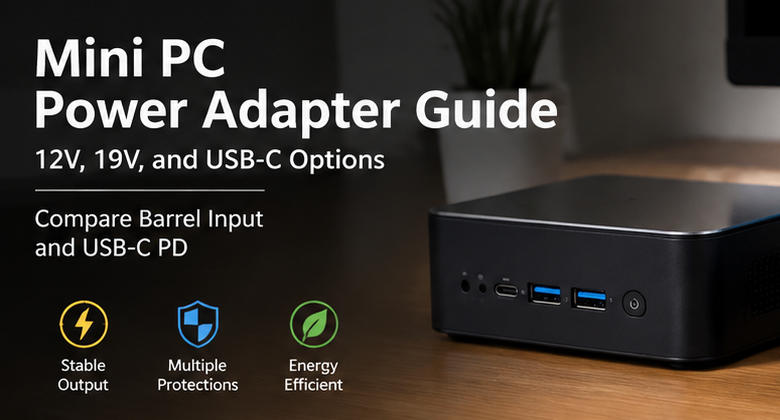
The most common mini PC power options include 12V DC adapters, 19V DC adapters, and USB-C PD chargers. Each solution has different advantages in compatibility, portability, cost, serviceability, and product design.
This guide explains how to compare barrel-input and USB-C PD power solutions and how manufacturers, distributors, system integrators, and end users can select the right adapter for a mini PC.
Why Mini PC Power Requirements Vary
Not every mini PC uses the same internal hardware. A basic office computer may include a low-power processor, one SSD, and a limited number of USB devices. A more powerful system may include a higher-performance CPU, multiple storage drives, several displays, active cooling, and power-hungry peripherals.
The adapter specification may therefore range from approximately 24W or 36W for an entry-level unit to 65W, 90W, 120W, or more for a higher-performance model.
Power requirements can also vary according to:
- Processor thermal design and boost behavior
- Number of memory modules
- SATA or NVMe storage configuration
- USB device loading
- Display output configuration
- Cooling fan requirements
- Internal voltage-conversion efficiency
- Manufacturer safety margin
- Intended operating environment
Always check the mini PC’s official input specification rather than selecting an adapter based only on the computer’s physical size.
12V Mini PC Power Adapters
A 12V mini PC power adapter is common in compact computers designed for embedded systems, digital signage, point-of-sale terminals, networking, light office work, and industrial applications.
Typical specifications may include:
- 12V 2A, or 24W
- 12V 3A, or 36W
- 12V 4A, or 48W
- 12V 5A, or 60W
- 12V 8A, or 96W
Wattage is calculated using:
Voltage × Current = Power
For example:
12V × 3A = 36W
The replacement adapter voltage should match the device input. A mini PC rated for 12V DC should normally be powered by a regulated 12V DC adapter.
The current rating of the adapter may be equal to or higher than the current required by the computer. A 12V 3A computer can generally use a properly regulated 12V 4A or 12V 5A adapter because the computer draws the current it needs. However, a 12V 2A adapter would be undersized for a system requiring 3A.
Szjialu offers a 36W 12V 3A wall-mount power adapter with universal AC input, a standard 5.5 × 2.1mm connector option, and multiple protection functions. It illustrates the type of configuration that may suit lower-power 12V mini PCs when the voltage, current, connector, and polarity match the computer.
For more details about 12V adapter selection, buyers can also review the 12V power adapter buying guide.
19V Mini PC Power Adapters
Many mini PCs use 19V input because their power architecture is similar to that of compact notebooks and laptop-derived computing platforms.
Common ratings include:
- 19V 2.1A, or approximately 40W
- 19V 3.42A, or approximately 65W
- 19V 4.74A, or approximately 90W
- 19V 6.32A, or approximately 120W
A 19V mini PC must not be treated as interchangeable with a 12V model. Supplying 19V to a device designed only for 12V may damage the internal circuits. Supplying 12V to a 19V computer may prevent startup or cause unstable operation.
When replacing a 19V adapter, check:
- Exact output voltage
- Required current or wattage
- Barrel plug outer diameter
- Barrel plug inner diameter
- Connector length
- Output polarity
- Cable length and wire gauge
- Applicable safety approvals
Some manufacturers use visually similar barrel connectors with different inner diameters or center-pin designs. A connector may appear to fit but still make poor electrical contact.
Loose contact can cause intermittent shutdowns, resistance heating, arcing, or voltage drop. For commercial sourcing, buyers should request the complete connector specification rather than relying on photographs alone.
For higher-power barrel-input mini PCs, a desktop-style adapter is often preferable to a compact wall plug. Szjialu’s desktop power supply category includes power supplies at several wattage levels, including 100W, 120W, 150W, and other configurations suitable for equipment requiring greater continuous output.
Understanding DC Barrel Input
A DC barrel input provides a direct physical connection between a fixed-output adapter and the mini PC.
Its main advantages include:
- Simple power architecture
- Predictable fixed voltage
- Low component cost
- Wide availability
- Secure dedicated power connection
- Easy customization of cable length and plug size
- No protocol negotiation requirement
For an original equipment manufacturer, a barrel-input design can also simplify power validation. The adapter delivers one regulated voltage, while the computer handles internal conversion to lower supply rails.
However, barrel connectors have limited standardization. Two adapters can provide the same voltage and wattage but use different connector sizes, polarity, or identification pins.
This means buyers must confirm both electrical and mechanical compatibility.
A replacement barrel adapter should satisfy four essential conditions:
- The output voltage matches.
- The current capacity is sufficient.
- The connector dimensions match.
- The polarity matches.
Wattage alone is not enough.

Understanding USB-C Power Delivery
USB-C Power Delivery uses communication between the power source and the connected device. Instead of immediately applying a high fixed voltage, the source advertises supported power profiles, and the device requests a suitable voltage and current.
Common USB PD profiles may include 5V, 9V, 15V, and 20V, depending on the charger and connected equipment. This negotiation allows one compatible charger to power several types of devices.
USB Power Delivery 3.1 expanded the standard’s potential power capability to as much as 240W through compatible USB-C equipment and cables. Earlier USB PD implementations were generally limited to 100W at up to 20V and 5A.
For many current mini PCs, the most relevant charger classes are:
- 45W USB-C PD
- 65W USB-C PD
- 100W USB-C PD
A compact office mini PC may operate from a 45W or 65W source, while a higher-performance model may require 90W, 100W, or more. The mini PC manufacturer’s specification remains the final reference.
Benefits of USB-C PD for Mini PCs
The main benefit of USB-C PD is flexibility.
A suitable charger may power a mini PC, laptop, tablet, or phone, reducing the number of dedicated adapters required. USB-C also supports compact GaN charger designs that are convenient for portable offices, demonstrations, travel, and hot-desk environments.
Additional benefits include:
- Reversible connector orientation
- Standardized power negotiation
- Broad charger availability
- Easier replacement for end users
- Potential compatibility with USB-C monitors and docks
- Reduced accessory complexity
- Support for higher power levels
Szjialu’s 65W PD Fast Charger TR1071C1AUS2 provides USB-C output up to 20V/3.25A and supports universal 100–240V AC input. This type of 65W power profile can be relevant to compatible USB-C-powered mini PCs, although the exact protocol and power requirements must always be verified.
Limitations of USB-C PD
A USB-C connector does not automatically mean that a mini PC can receive power through that port.
Some USB-C ports support only:
- Data transfer
- DisplayPort video
- Peripheral connection
- Low-power accessory charging
The computer must specifically support USB-C PD input.
The charger must also provide the required power profile. A 65W charger that does not offer the voltage requested by the mini PC may not work correctly, even when its headline wattage appears sufficient.
Cable selection is equally important. USB-IF guidance distinguishes USB-C cables by supported power capability, and compliant cables may be marked for 60W or 240W power levels.
An unsuitable cable may limit available power or prevent the charger and computer from negotiating the expected operating profile.
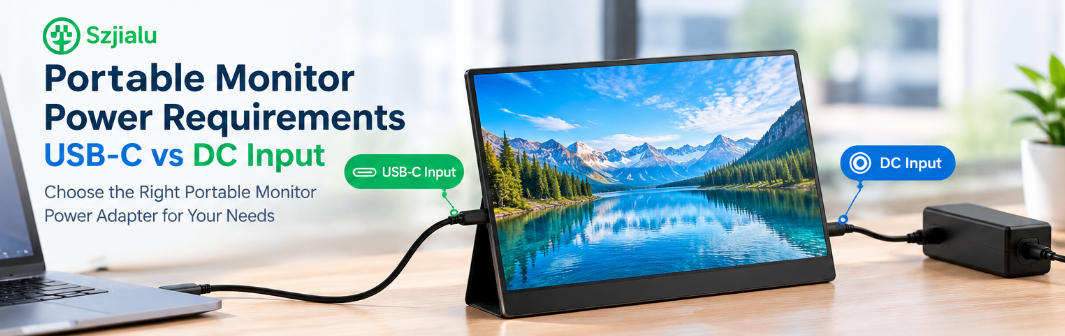
Barrel Input vs USB-C PD
| Comparison Factor | DC Barrel Input | USB-C PD |
|---|---|---|
| Power delivery | Fixed voltage | Negotiated voltage and current |
| Compatibility | Device-specific | Broader when PD profiles match |
| Connector | Multiple sizes and polarities | Standard USB-C shape |
| Protocol requirement | No | Yes |
| Replacement process | Requires detailed matching | Often easier, but profiles must match |
| Portability | Depends on adapter design | Excellent with compact GaN chargers |
| Cost | Usually lower | May be higher |
| Cable | Often permanently attached | Commonly detachable |
| Multi-device use | Limited | Strong |
| Design simplicity | High | Requires PD controller support |
Neither option is universally better.
Barrel input is often suitable for fixed installations, embedded equipment, industrial systems, and cost-sensitive designs. USB-C PD is attractive for portable systems, consumer-facing products, shared workspaces, and applications where charger standardization matters.
How Much Wattage Does a Mini PC Need?
Never select a charger whose rated wattage is below the mini PC manufacturer’s requirement.
An undersized adapter may cause:
- Startup failure
- Random shutdowns
- System restarts
- CPU performance throttling
- USB device disconnection
- Display instability
- Adapter overheating
- Shortened power-supply life
A reasonable design margin can improve thermal performance and accommodate transient load changes. However, increasing wattage does not correct a voltage, connector, polarity, or protocol mismatch.
For example, a 100W USB-C charger is not automatically suitable for every 65W mini PC. The charger still needs to support the correct PD voltage profile, and the cable must support the required power.
Similarly, a 90W 19V barrel adapter cannot replace a 60W 12V adapter merely because it has more wattage.
Safety and Reliability Considerations
A mini PC may operate for many hours per day, especially in offices, kiosks, signage systems, surveillance stations, and industrial environments. Continuous duty makes adapter quality important.
Buyers should evaluate:
- Output voltage regulation
- Ripple and noise
- Overvoltage protection
- Overcurrent protection
- Short-circuit protection
- Overtemperature protection
- Efficiency level
- Thermal performance
- Cable durability
- Connector retention
- Regional safety certification
- Electromagnetic compatibility
- Operating temperature range
Poor voltage regulation or excessive electrical noise can contribute to unstable operation. Weak cables and undersized conductors may create voltage drop under higher loads.
For OEM and commercial projects, the adapter should be validated together with the mini PC under startup, full CPU load, connected-peripheral load, and elevated-temperature conditions.
Checklist for Choosing a Mini PC Power Adapter
Before purchasing or approving a power supply, confirm the following:
- Is the mini PC rated for 12V, 19V, or USB-C PD input?
- What is the required current or wattage?
- Does the adapter provide sufficient continuous power?
- For barrel input, what are the exact connector dimensions?
- What is the required polarity?
- For USB-C, does the computer support PD input?
- Does the charger provide the required PD profile?
- Is the USB-C cable rated for the required power?
- Does the adapter support the destination country’s AC voltage?
- Are the required plug type and certifications available?
- Is the cable long enough for the installation?
- Has the complete power system been tested under maximum load?
Choosing a Power Solution from Szjialu
Szjialu supplies AC/DC power adapters and USB-C PD chargers for consumer electronics, computing products, networking equipment, industrial systems, and other applications.
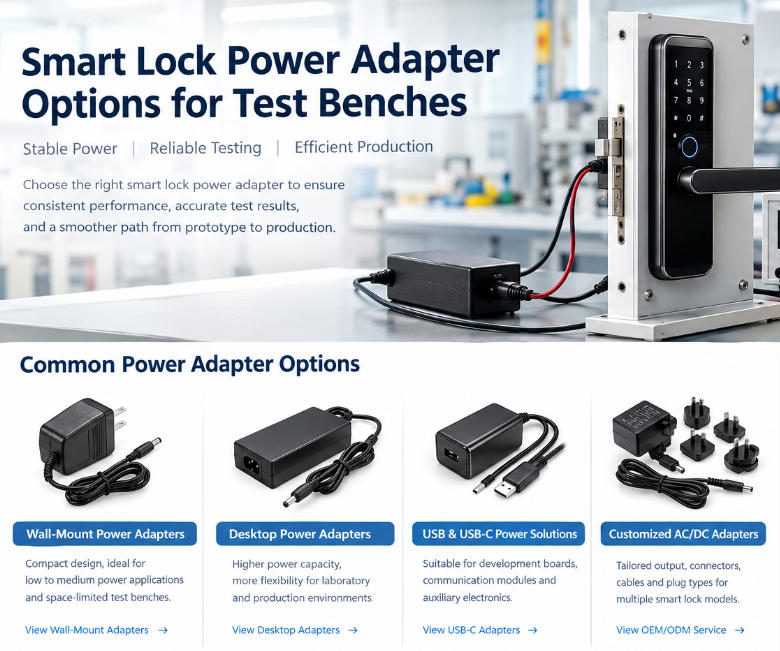
Available options include wall-mount adapters, desktop power supplies, interchangeable-plug adapters, USB power adapters, and GaN PD chargers. Szjialu’s product range includes both traditional fixed-output designs and USB-C solutions, allowing equipment manufacturers to select a platform according to voltage, wattage, connector, certification, and market requirements.
For OEM and ODM projects, important customization items may include:
- 12V, 19V, 20V, or other outputs
- Required current and wattage
- DC connector dimensions
- USB-C PD profiles
- Cable length and wire specification
- Wall-mount or desktop enclosure
- Regional AC plug
- Product labeling
- Logo and packaging
- Required safety certifications
Conclusion
Selecting the right mini PC power adapter begins with identifying the computer’s input method.
For a barrel-input mini PC, match the voltage exactly, provide sufficient current, and verify the connector size and polarity. A 12V adapter must not be replaced with a 19V model, even when the plugs look similar.
For a USB-C-powered mini PC, confirm that the port supports Power Delivery input, then check the required wattage, voltage profile, charger capability, and cable rating.
Barrel adapters remain a practical choice for fixed installations, dedicated equipment, and cost-controlled designs. USB-C PD offers greater portability, easier replacement, and improved compatibility across modern computing devices.
The best solution is not determined by connector type alone. It is the power system that delivers the correct voltage, stable output, adequate capacity, reliable protection, and verified compatibility with the complete mini PC configuration.