Let’s be real for a second—power adapters are one of those things you completely ignore… until they stop working.
And when that happens? Everything stops. Your laptop won’t charge, your POS system goes down, your router disconnects. Suddenly this small, boring device becomes a big problem.
The good news? Most power supply issues are actually pretty easy to diagnose. You don’t need to be an engineer. You just need to know what to look for.
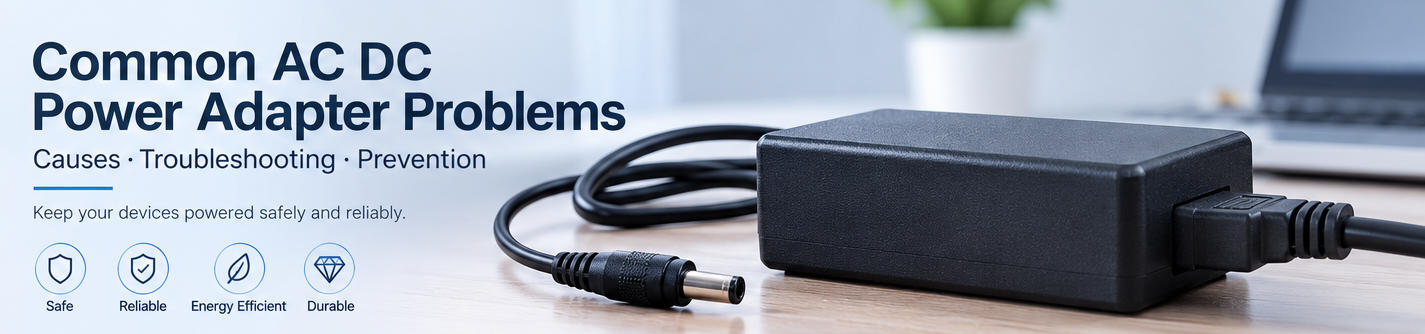
In this guide, I’ll walk you through the most common problems, why they happen, and—more importantly—how to fix them.
1. Power Adapter Not Working
Symptoms
- No LED indicator
- Device won’t turn on
- No charging response
Why this happens
If your power adapter not working, it usually comes down to a few simple things:
- Loose connections
- Damaged cable
- Dead power outlet
- Internal component failure
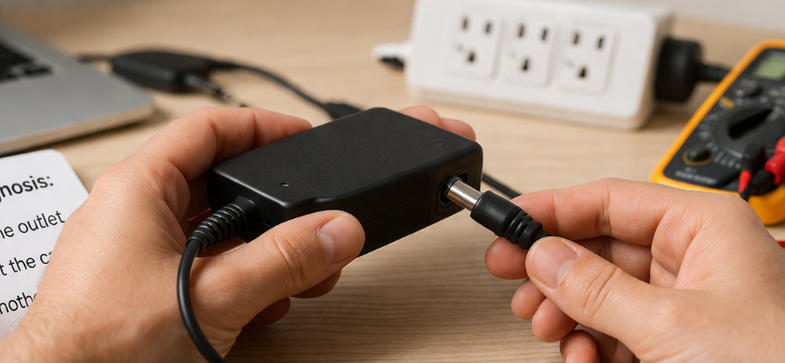
How to fix power adapter not working
Start simple. Seriously.
- Try another wall outlet
- Re-plug everything firmly
- Test with another compatible device
Then check for physical damage:
- Frayed cables
- Burn marks
- Strange smell
Say it straight:
If none of this works, the adapter is likely dead. Replacement is the safest solution.
2. Why Is My Power Adapter Overheating?
Symptoms
- Adapter feels unusually hot
- Charging slows down or stops
- Burning smell (sometimes)
Causes
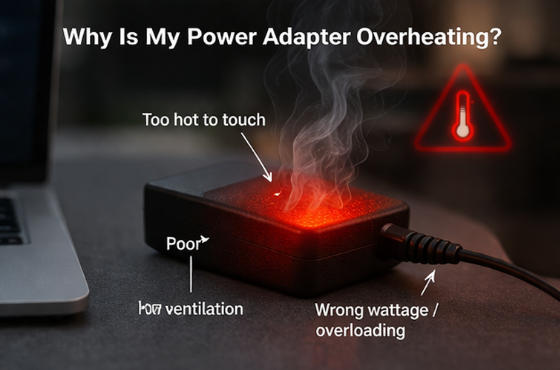
If you’ve ever asked, “why is my power adapter overheating?”, here’s the deal:
- Overloading (wrong wattage)
- Poor airflow (covered or enclosed)
- Aging internal components
Fix
- Unplug and let it cool
- Move it to an open, ventilated space
- Check voltage and current ratings
Real talk:
Overheating is not something to ignore. It’s often an early warning of failure.
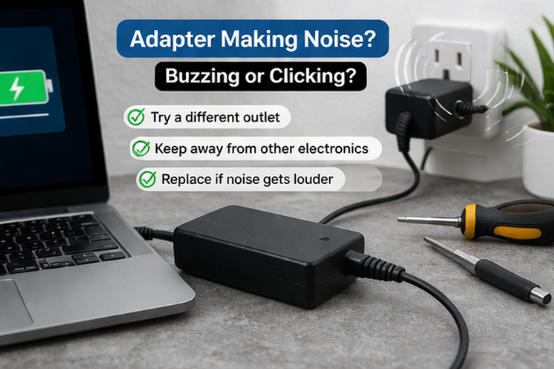
3. Adapter Making Noise (Buzzing or Clicking)
Symptoms
- High-pitched buzzing
- Clicking or humming
What’s going on?
This is a classic adapter making noise solution scenario:
- Coil vibration (common in low-cost adapters)
- Electrical instability
- Aging components
Fix
- Try a different outlet
- Keep it away from other electronics
- Replace if noise increases
Honestly?
A faint buzz is sometimes normal. But if it gets louder, don’t wait.
4. Intermittent Charging Issues
Symptoms
- Charging starts and stops
- Works only at certain angles
- Random disconnections
Causes
- Broken internal wires
- Loose connectors
- Worn-out charging port
Fix
- Test another adapter
- Replace cable (if detachable)
- Clean the charging port
You’ve probably done this before—holding the cable at a weird angle just to make it work.
Yeah… that’s not a solution. That’s a warning sign.
5. Signs of a Faulty Power Adapter
Not all failures are sudden. Sometimes your adapter is quietly failing.
Common warning signs
- Frequent overheating
- Strange noises
- Slower charging
- Physical damage
- Burning smell
These are clear signs of faulty power adapter performance.
Say it bluntly:
If you notice more than one of these, replace it before it damages your device.
6. Compatibility and Voltage Issues
Symptoms
- Device won’t charge properly
- Adapter overheats
- Charging is extremely slow
Why it happens
Mismatch in:
- Voltage (V)
- Current (A)
- Connector type
Fix
- Always match voltage exactly
- Use equal or higher current rating
- Choose certified or OEM-compatible adapters
You’d be surprised how many adapter troubleshooting cases come down to using the wrong charger.
7. Preventive Tips to Avoid Future Power Supply Issues
Let’s save you some future headaches.
- Don’t bend or wrap cables tightly
- Keep adapters in cool, dry environments
- Avoid cheap, unbranded products
- Unplug during power surges
Simple habits. Big difference.
Power adapter issues can be annoying—but most of them are predictable, and honestly, preventable.
If you remember just a few things:
- Start with simple checks
- Watch for overheating and noise
- Never ignore warning signs
You’ll save yourself time, money, and a lot of frustration.
And sometimes?
The smartest move isn’t fixing—it’s replacing the adapter before it causes bigger damage.